
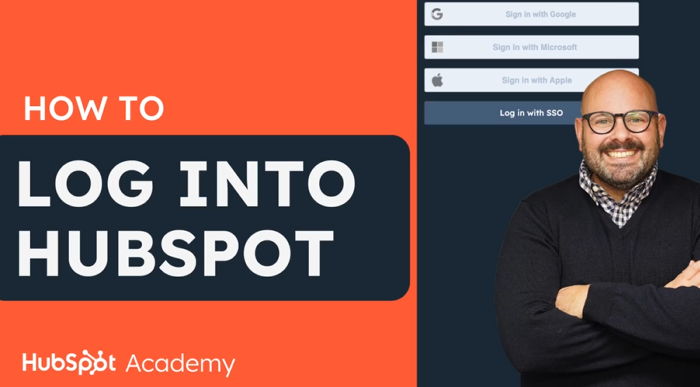
- There are several ways to log in to HubSpot: enter an email address and password, log in with Google, log in with Microsoft, or use single sign-on if you have an Enterprise account. If single sign-on is enabled, your HubSpot session will be logged out after 24 hours of inactivity.
- If you’re looking for the HubSpot login page: https://app.hubspot.com/login/
Troubleshooting login issues
If you’re unable to log in to HubSpot, try these steps to resolve the issue:
- Check that your browser is compatible with HubSpot.
- If you have multiple email addresses, make sure you’re using the one associated with your HubSpot account.
- Clear your browser’s cache and cookies, then try again. Go to status.hubspot.com to check if there is a known login issue. HubSpot constantly updates this page with any new information available. Try logging in from a different network, such as a mobile network, to check if the issue is network-related. If you can log in from a different network, contact your IT department or the person who manages your network to resolve the issue. Enable third-party cookies in your Chrome settings: In the top-right corner of the Chrome browser, click the three vertical dots and select Settings. In the Privacy and security section, click Cookies and other site data.
- Make sure the Allow all cookies option is selected.
- Try logging in to HubSpot again.